 Brisk
Quick edits, the moment you double‑click.
Brisk is a fast, minimal Mac editor for Markdown and source files: a CLAUDE.md, a README, a config, a few lines of code. It opens at once, looks like the rest of your Mac, and has almost nothing to set up.
$19.99, once. No subscription. macOS 26 or later.
Edit with your voice.
Brisk is built for Siri AI on macOS, coming as soon as Apple opens it to apps. Ask for a change in plain words, and Siri makes it in the file you mean: a new section in your CLAUDE.md, a build setting, the line you're looking for. Ask what you changed, and Brisk tells you, section by section.
- Siri will reach the files you have open, the ones you opened recently, and the folders you gave Brisk. Nothing else.
- Big changes, replacing everywhere, and edits to a file that isn't open ask you first. A change to an open file is one step you can undo.
- The same actions are already in Shortcuts and Spotlight, for when you'd rather click or build your own, and they stay there wherever Siri AI isn't available.
Everything a quick edit needs.
And nothing that slows it down. Brisk isn't an IDE: no terminal, no Git, no build system, no plugins. It's the editor you reach for when you just want to change the file.
Markdown and HTML, live
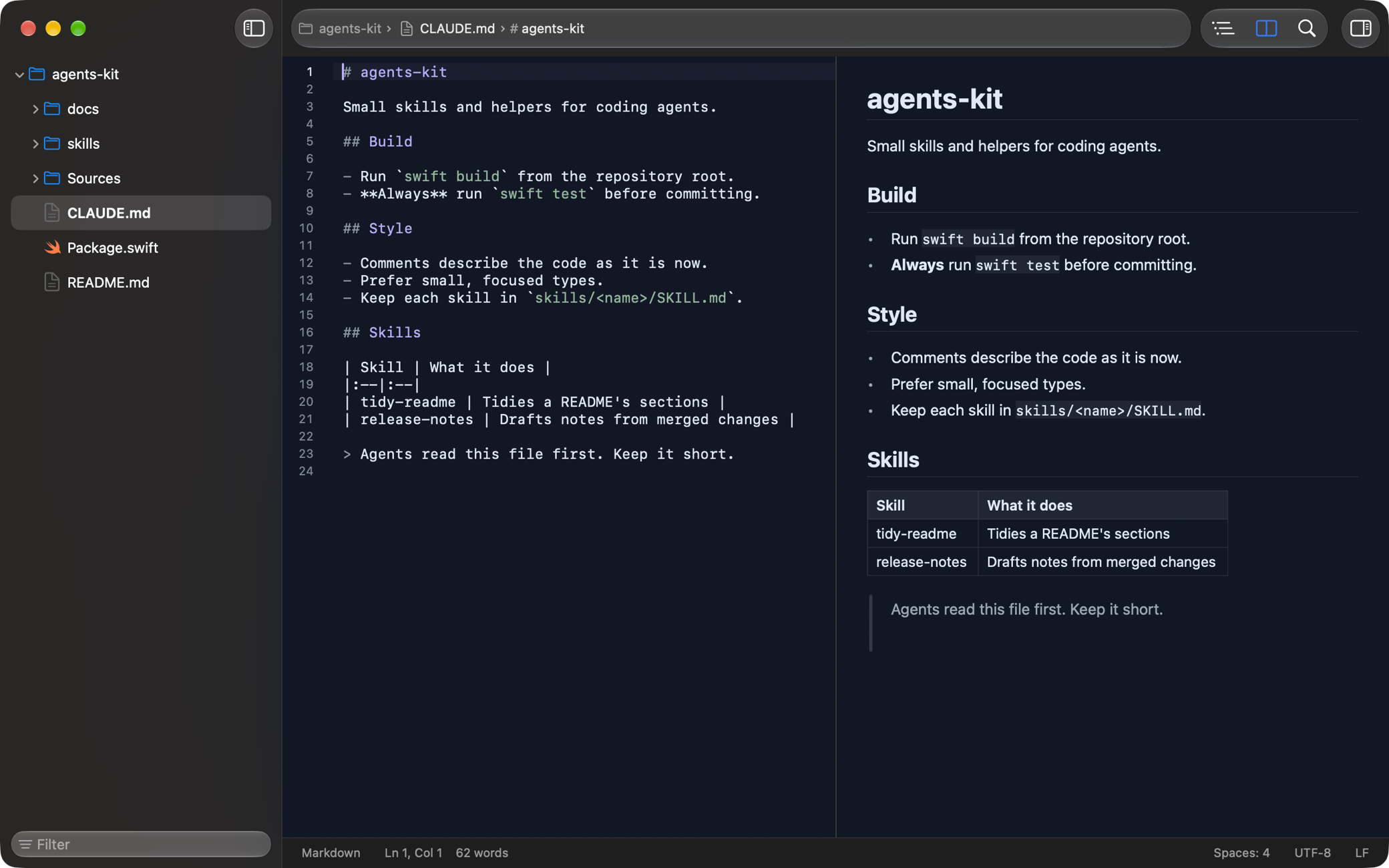
The preview sits beside your text and follows as you type (⌥⌘P), with no scripts and nothing from the internet. For Markdown, a heading outline, templates for CLAUDE.md, AGENTS.md and SKILL.md, frontmatter checks, and Writing Tools in your text.
Code in color
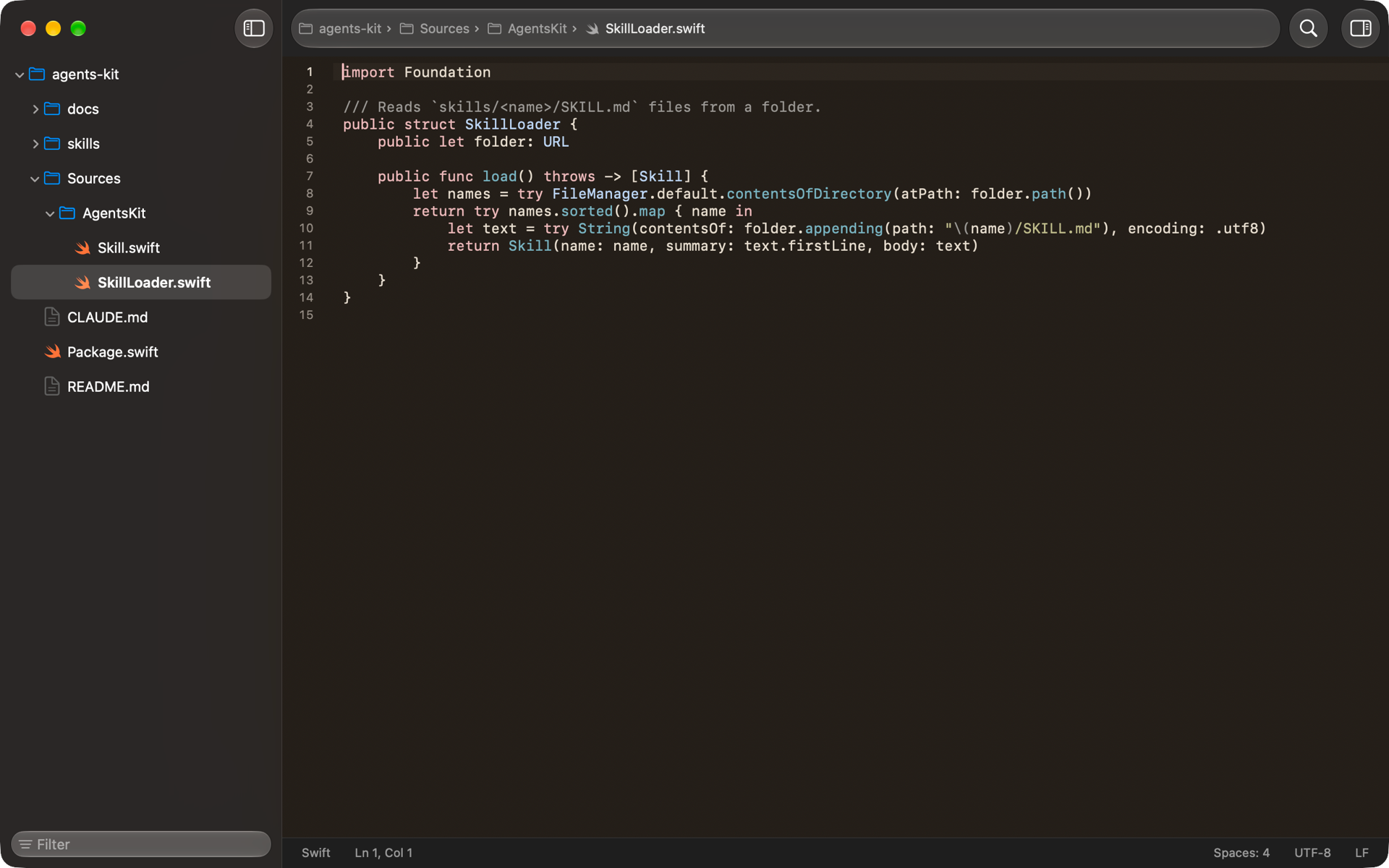
Markdown, JSON and JSON with Comments, YAML, TOML, Shell, xcconfig, Swift, Objective-C, C and C++, Rust, Python, Ruby, HTML, CSS, JavaScript and JSX, PHP, and XML. Brisk colors only what's on screen, so big files open quickly too.
Folders and Open Quickly
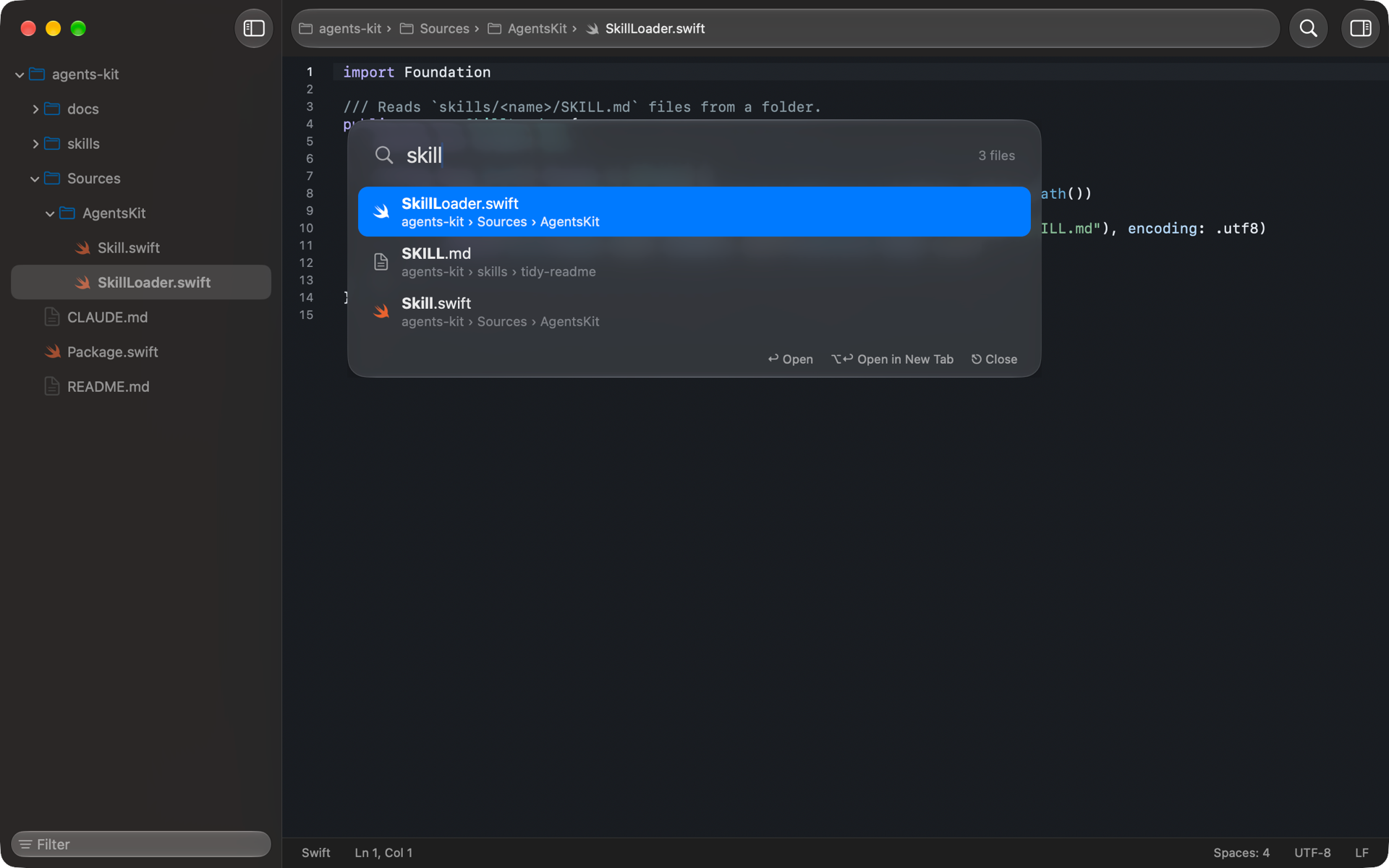
Open a folder for a sidebar like Xcode's (⌘0) that keeps up with changes on disk. Jump to any file by typing part of its name (⇧⌘O).
The file inspector
Everything about a file at a glance (⌥⌘0): where it is, its size and dates, its permissions as rw-r--r-- and in octal, word and line counts, a link's target, and its tags and quarantine flag.
Six themes
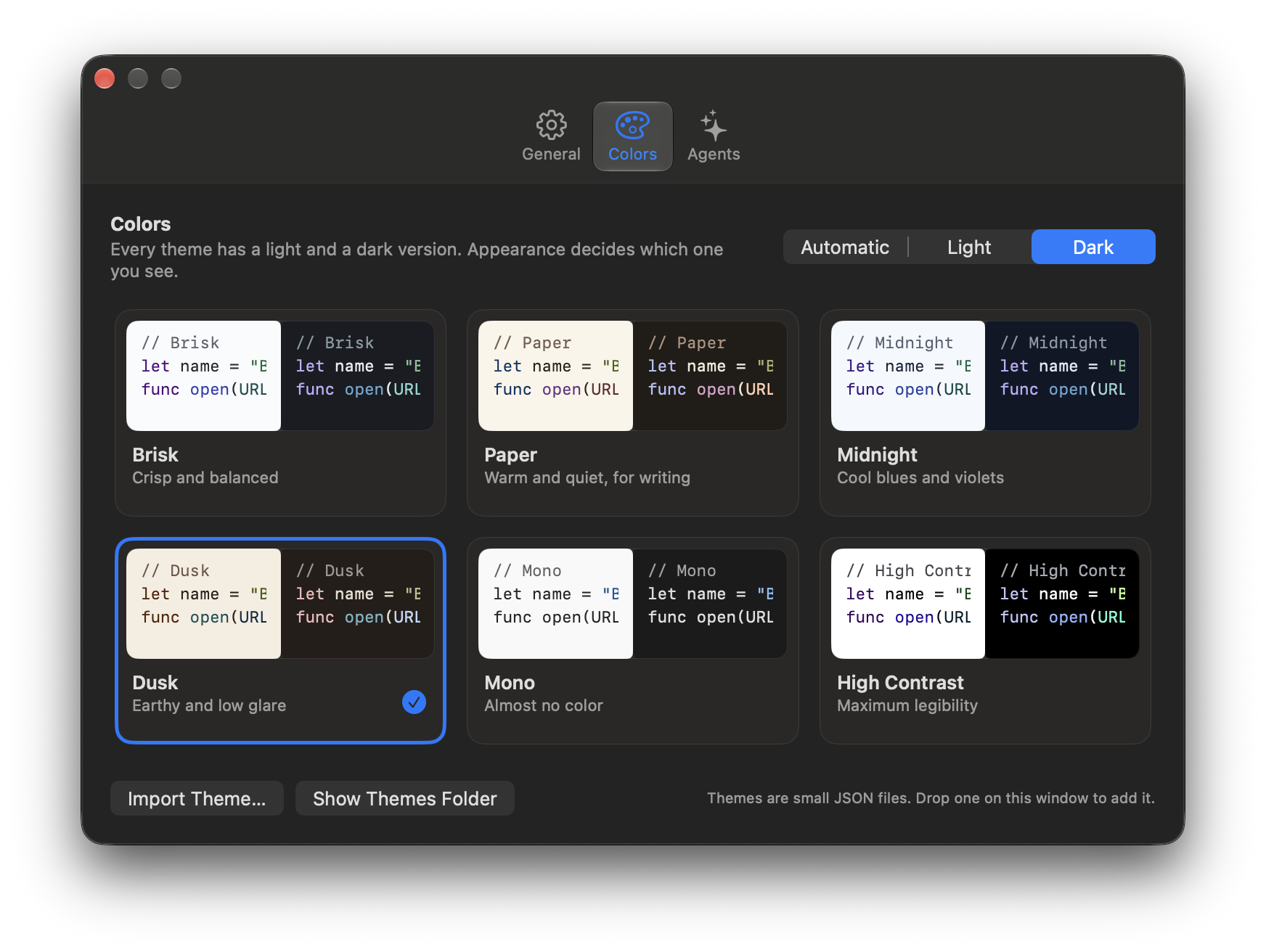
Brisk, Paper, Midnight, Dusk, Mono and High Contrast, each in light and dark, each checked for readable contrast. Import your own as a small JSON file.
In your language
Brisk speaks 12 languages, and follows the one your Mac uses.
- English
- Deutsch
- Français
- Español
- Italiano
- Português
- Nederlands
- Polski
- 日本語
- 한국어
- 简体中文
- 繁體中文
Small, not bare.
The things your hands expect, done the Mac way, with the shortcuts in the menus where you'd look for them.
- Line numbers, folding, invisibles, wrapping, and find and replace with regular expressions.
- Brackets and quotes that close themselves, indentation that follows, simple completion, and comment, move or duplicate a line with a key.
- The status bar shows each file's language, indentation, encoding and line endings. Brisk keeps what it finds, and a click changes it.
- xcconfig files get build-setting completion, and ⌘-click opens an
#include. - Your documents in iCloud Drive, if you like, with versions, and a note when a file changes on disk.
Worth knowing
- ⇧⌘O
- Open Quickly
- ⌘0
- Show or hide the sidebar
- ⌥⌘0
- Show or hide the inspector
- ⌥⌘P
- Markdown preview
- ⌥⌘F
- Find and replace
- ⌘/
- Comment or uncomment
- ⌃⇧⌘L
- Wrap lines
A handful of settings. That's the point.
Font and size, appearance, colors, wrapping, indentation for new files, trimming trailing spaces, reopening windows. Everything else Brisk works out from the file itself, and the first launch walks you through the few choices there are.
Ask AI, with your own agent.
With Brisk Agent Kit, a free add-on from this site, Ask AI runs Claude Code on the file or folder you have open in Brisk. It answers beside your text and proposes edits, and nothing changes until you accept. Without it, Brisk is complete, Siri included.
Brisk never connects to the internet on its own.
The only thing it ever sends is a support report, and only when you send it, after showing you exactly what's in it. No account, no analytics, no tracking. Your files stay on your Mac, and in iCloud Drive only if you save them there. Previewing web pages requires macOS's network permission, but the preview makes no connections: it blocks every remote address, so a page shows only what's on your Mac.
Pay once on the Mac App Store. Updates are free, and nothing is locked behind a subscription.